Query
How do I add, edit or remove representatives for a joint member or company contact?
Solution
| From the Main Toolbar, go to Contacts |  |
| Select Global Contacts |  |
Search and Select the Joint Member or Company
Select 
Add Representatives
Click 
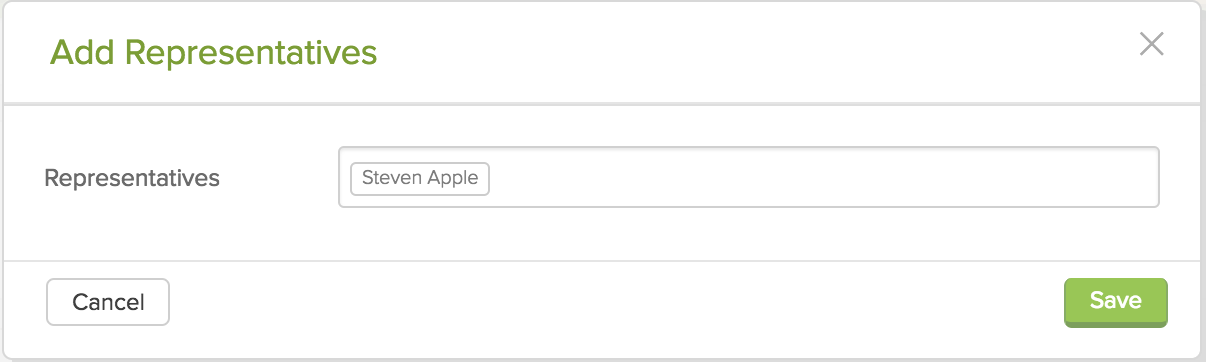
In the Representatives field, select a contact from your Global Contacts.
Click 
Delete Representatives
Beside the representative, click  and select Delete