Users can now export all company documents at the click of a button. So, now when a company wants their documents or moves to another accountant, users are now able to export all the documents and provide these documents.
| From the Main Toolbar, go to Company. |
|
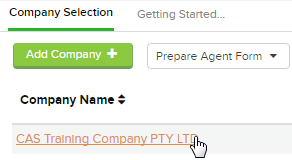
| Select the Company from the list. |
|
| Select Documents |  |
Click  from the top right hand side.
Select Export Company Documents
You will receive a notification when the documents are ready for download.
Click the bell icon to display the most recent notifications you have received.

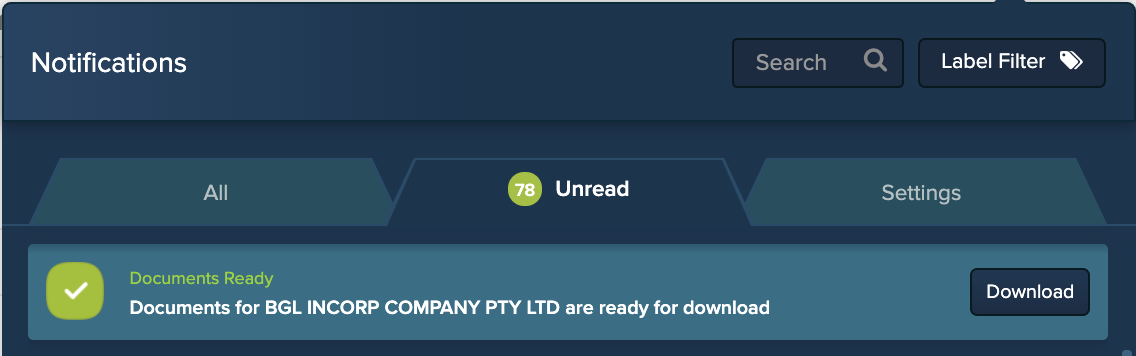
Beside the notification, click 
CAS 360 will now combine and download all Company Documents into a zip file.
This feature has also been added to trusts in CAS 360.
From the Main toolbar navigate to Trust
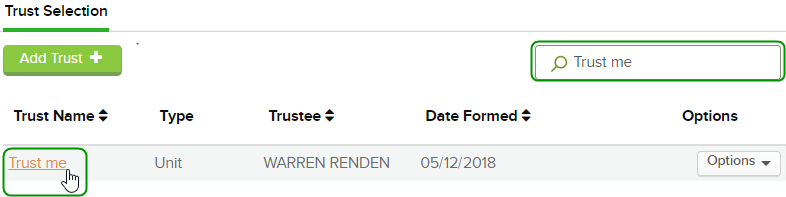
To select a Trust that has been previously set up in CAS 360, simply search and click on the Trust Name from the list.
Select 
Click from the top right hand side and select Export Company Documents